Open an Incognito window and the browser turns dark, puts on a little spy icon, and promises to browse privately. It feels like a disguise. It is not one — or rather, it is a disguise that only works on one audience: anyone who picks up your device after you. This is a research-based explainer, drawn from the browsers' own documentation and from reporting on the subject. No hands-on testing was involved, because there is nothing to test that the documentation does not already say plainly.
Every major browser has a version of this feature — Chrome calls it Incognito, Edge calls it InPrivate, Firefox and Safari call it Private Browsing — and they all do roughly the same thing. When you open a private window, the browser starts a fresh, temporary session. It does not record the pages you visit in your history, it does not keep the cookies and site data from that session once you close every private window, and it does not save what you type into forms or searches for autofill later. You also start signed out of your accounts, which is why a private window is handy for logging into a second account or checking a price without your usual profile attached. Chrome also blocks third-party cookies by default in Incognito. In short, Incognito controls what stays on your device after you finish. That is a real benefit — it is just a much smaller one than the dark window suggests.
There are two things people often assume disappear that do not. Anything you download stays on your device, and any bookmark you save stays saved. Chrome says so directly in its own help pages: it retains bookmarks you save and files you download when you exit Incognito. A downloaded file simply does not appear in the private session's download list — which is arguably worse, because it looks deleted when it is not.
Here is the part the icon never mentions. Incognito does nothing to your network traffic. Your internet provider can still see the sites you connect to, and so can whoever runs the network you are on — your employer, your school, the owner of the café Wi-Fi. The websites you visit can see your IP address, which gives away your rough location, and they can watch what you do during the session. Sign into any account and that site can connect the session to you, private window or not. Google's own help page puts it bluntly: websites you visit and organisations that manage your network may be able to observe your activity in Incognito. Firefox's warning is shorter: private browsing does not make you anonymous on the Internet.
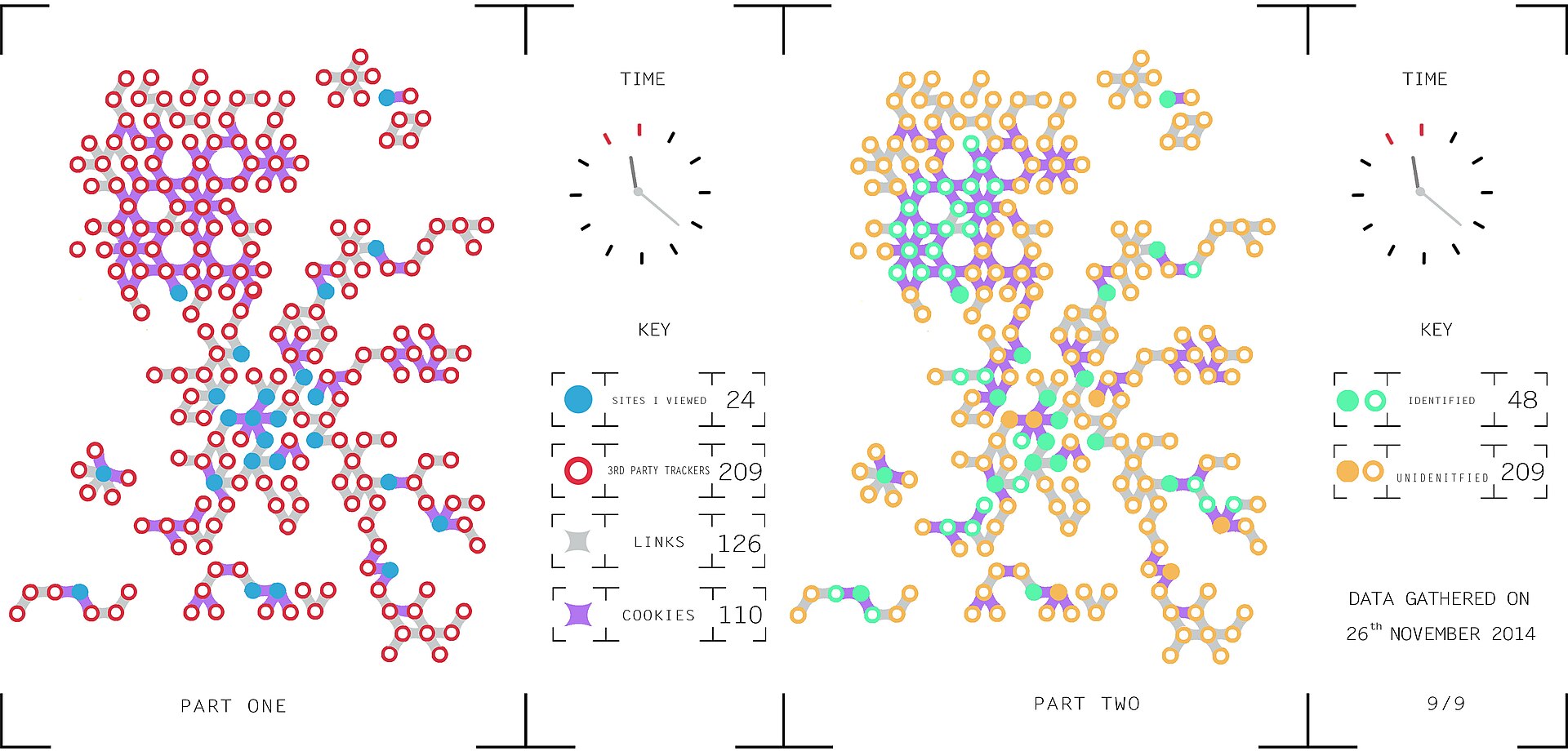
Tracking does not stop either. Wiping cookies at the end of a session stops a site recognising you next week, but during the session it can still follow you — and cookieless methods such as browser fingerprinting, which identifies your device from its combination of browser, screen size, fonts and settings, keep working regardless. Hiding your traffic from your provider is a different job, and it belongs to a different tool: a VPN encrypts your traffic and hides your destination from your provider, which is exactly what Incognito does not do.
Private browsing offers no protection against the things that actually harm people online. It does not block malware or stop a phishing page from stealing your password — if you type your credentials into a fake login page, the private window will not save them, but the criminals on the other end already have them. Learning to spot a phishing email matters far more than which window you open it in. And if your device already has spyware or a keylogger installed, it records everything you type in any window. Incognito protects you from the next person who uses your laptop. It does not protect you from the internet.
For years, the gap between what Incognito implied and what it did was wide enough to end up in court. In 2020, a class-action lawsuit filed in California alleged that Google kept collecting browsing data through its analytics and advertising tools while people used Incognito mode, and that its disclosures did not make that clear. Google disputed the claims, but in April 2024 it agreed to settle: it would destroy billions of records reflecting users' private browsing, update its disclosures, and let Incognito users block third-party cookies for five years. The plaintiffs' lawyers valued the deal at more than $5 billion; Google paid no damages to users. Google had already rewritten the Incognito start page in January 2024 to say plainly that it collects data in Incognito just as it does in normal browsing. The warning you see today — the one that says websites and your network may still observe you — exists because a court case forced it into the open.
Use Incognito for what it is: a way to keep your browsing off a shared device. It is genuinely useful for gift shopping, a second login, or a borrowed laptop. But it is local privacy, not anonymity. If you want your provider or your network not to see where you go, you need a VPN or Tor, not a darker window. And nothing in any browser replaces the basics: a password manager, two-factor authentication, and a healthy suspicion of links.
Related on Poptani Labs: Are VPNs worth it? What they actually do — and what they don't, Is your password already public? How to check — and what to do next, How to spot a phishing email: five checks that actually work. More in this category: Beyond the Hype.
Sources: Google Chrome Help, 'Browse in Incognito mode', Mozilla Support, 'Private browsing — use Firefox without history', Reuters, 'Google Agrees to Delete Incognito Mode Browsing Data to Settle Consumer Privacy Lawsuit'

