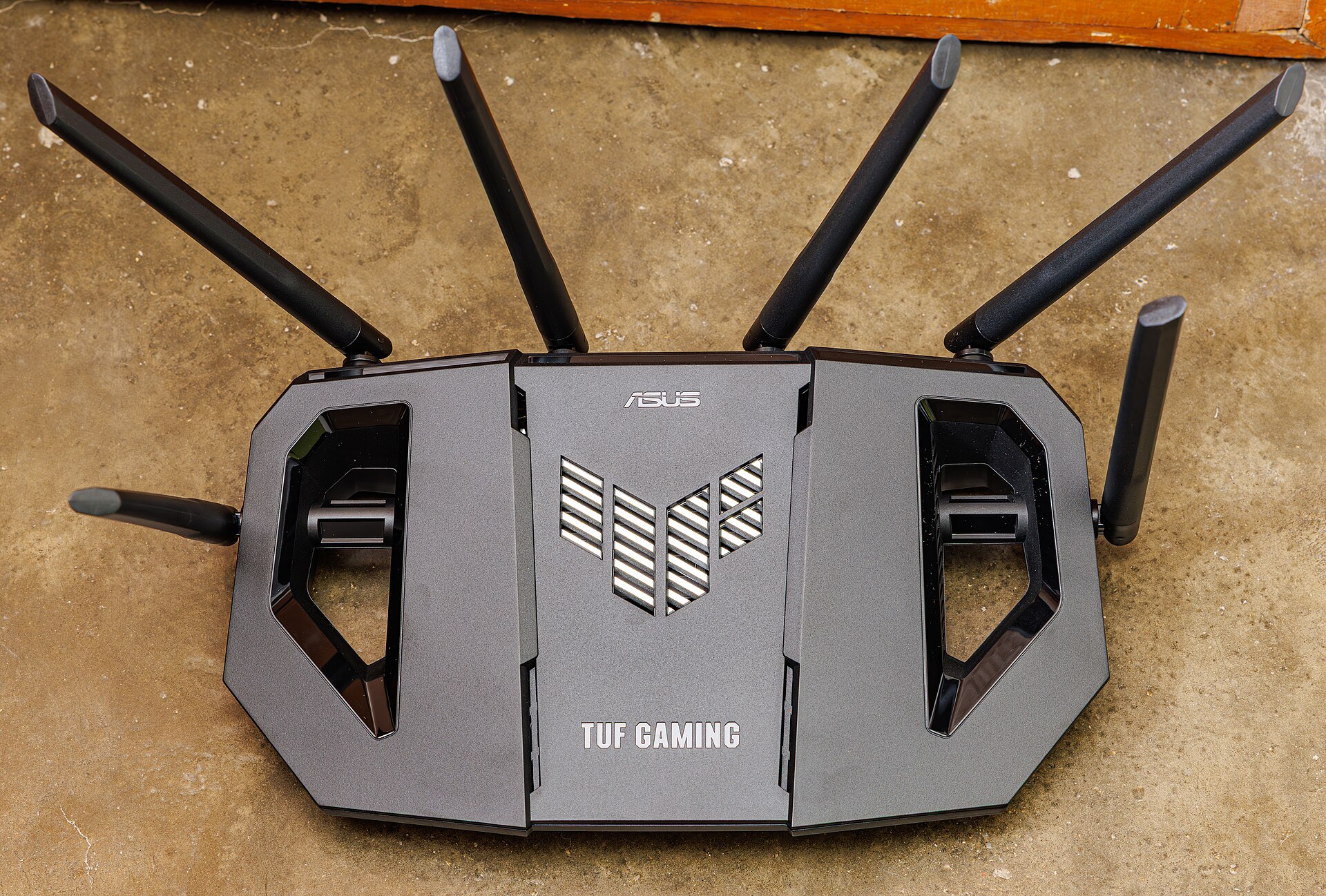
Your video call is fine all afternoon. Then, around dinner time, it starts freezing. Downloads stall, the smart speaker drops off, and the buffering wheel spins — for a few minutes, then everything recovers on its own. If that pattern sounds familiar, your router is probably not broken. Your microwave is jamming it. This is a research-based guide, compiled from networking guides and router makers' documentation — not a hands-on lab test — but the test at the heart of it takes two minutes, and you can run it tonight.
Stand where your Wi-Fi usually struggles and run a speed test on your phone, with the microwave off. Note the number. Then start the microwave with a mug of water inside, and run the same test again while it is running. If the speed collapses on the 2.4 GHz network but holds steady on the 5 GHz network, you have your answer: interference, not a weak signal. A strong signal does not mean a clean signal. Your phone can show full bars and still be unable to get a word in, because the airwaves are crowded — and the test above tells you exactly which kind of crowding you have. If both bands collapse, or the speed is bad with the microwave off too, the problem is something else: distance, walls, or a struggling connection.
A microwave oven heats food by blasting it with radio waves at around 2.45 GHz — the frequency that excites water molecules. Your Wi-Fi router's 2.4 GHz band sits on the exact same frequency. The oven is shielded, and the small amount of energy that leaks out is well within legal safety limits. But "safe for humans" and "harmless to Wi-Fi" are very different things. A microwave puts out roughly 700 to 1,200 watts; your router puts out less than one watt. Even a tiny leak from the oven can drown out the router's whisper across the room. That is why the signature is so clean: the slowdown starts the moment the oven starts and stops the moment the timer ends. Cordless phones, baby monitors and Bluetooth devices share the same band too, which is why the 2.4 GHz band is often described as the crowded road everyone has to share — and the microwave is the loudest vehicle on it.
Interference is only half the story. The other half is physics. The 5 GHz band is nearly immune to microwave interference, but it loses strength through walls far faster than 2.4 GHz — so the room two concrete walls away from the router may have no usable 5 GHz at all. Thick walls, tiled kitchens, metal cabinets and even a fridge between you and the router all eat signal. Then there are the neighbours: in a flat, a dozen routers may be shouting on the same 2.4 GHz channel, and your devices have to wait their turn. And one modern culprit surprises people: USB 3.0 devices and cables radiate noise right in the middle of the 2.4 GHz band, so a hard drive plugged into the laptop next to your router can slow the whole room down. The pattern to watch for is timing. Interference comes and goes — at dinner time, when the baby monitor is on, when the neighbour gets home. A dead zone is steady in the same spot, every hour of the day.
Start with the free ones. Move the router away from the kitchen if you can — even a few metres helps, and never put it on top of or next to the microwave. Put it high up and roughly central in your home, out in the open rather than inside a cabinet or behind the TV. Move other gadgets a metre away from the router: the cordless phone base, the baby monitor, the Bluetooth speaker. Then switch bands: if a device is close enough to the router, put it on the 5 GHz network, which the microwave cannot touch. For the 2.4 GHz network, set the channel width to 20 MHz rather than 40 MHz in the router settings — the narrower channel is less likely to overlap with the microwave's noise — and pick channel 1, 6 or 11, the three channels that don't overlap each other. If none of that reaches the far room, the honest answer is a mesh unit or an access point halfway there, not a more expensive router: interference is a radio-environment problem, and a pricier box in the same noisy spot has the same noisy problem.
Run the two-minute test tonight: one speed test with the microwave off, one with it on. If the numbers collapse only while lunch is cooking, you have found your culprit — and the fix is a few metres of distance or a switch to 5 GHz, not a new router. The most common Wi-Fi problem in most homes isn't a weak signal. It's a crowded one.
Related on Poptani Labs: Why 'turn it off and on again' actually works (and when it doesn't), Your phone fell in water: what actually works (and why rice doesn't), The 3-2-1 backup rule: the simplest way to never lose your files. More in this category: The Practical Lab.
Sources: WifNet, Microwave and cordless phones: why your WiFi stutters, Bill's Home Tech, Wi-Fi Interference — Microwaves, Neighbors & More, Alibaba Product Insights, Why Does My Wifi Drop When The Microwave Is On

